Phone hears.PC types.
Press Ctrl+Alt+Space, talk to Rambler on your Android phone, press again: the cleaned-up text is pasted where you're typing.
Fast enough to forget it's there
Hearsay wakes the phone, opens a text field and presses Gboard's mic key for you. Measured on a Pixel 9: listening 1.9 seconds after the first press, from a dozing phone, and the text pasted 0.7 to 1.0 seconds after the second.
First press to listening
1.9sSecond press to pasted text, at most
1.0sPress, talk, press
First, press Ctrl+Alt+Space.
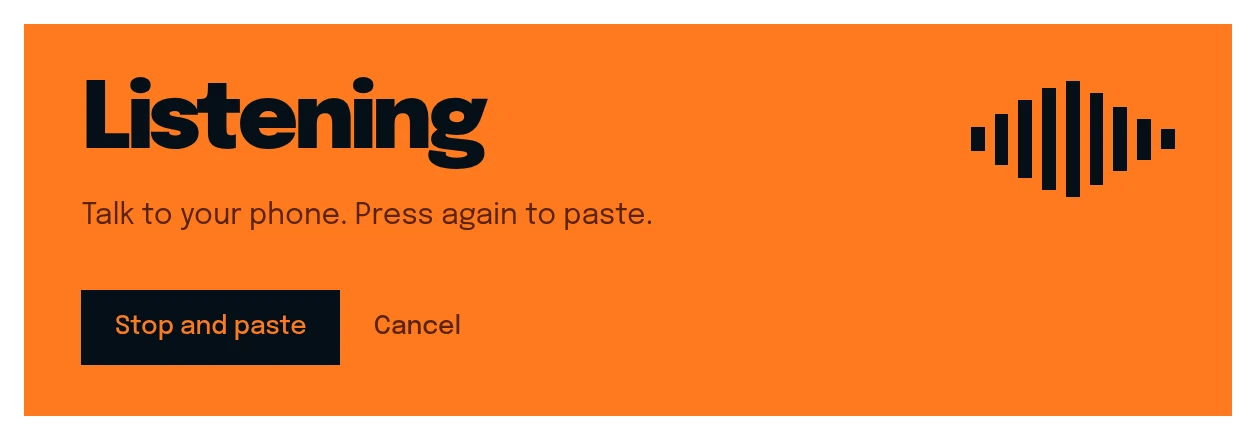
Then talk to the phone on your desk.
Hey Sam, um, so I'll send the invoice on Thursday. Actually no, uh, before Friday. Is that okay?
Press it again. The text lands where you were typing.
Hey Sam, I'll send the invoice before Friday. Is that okay?
On Mon, Sam wrote: Any update on the March invoice?
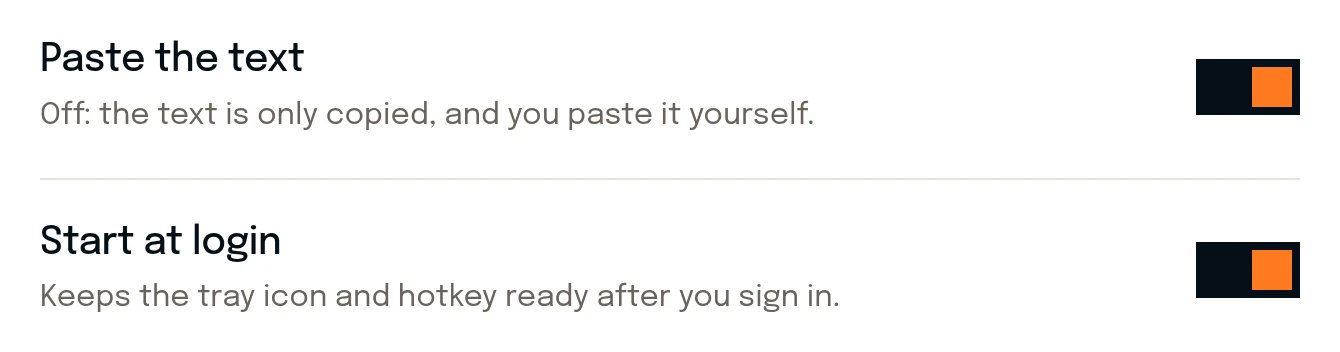
Any app, any text box: an email, a chat, a terminal. With paste off in Settings, the text waits on the clipboard instead.
Inside the window
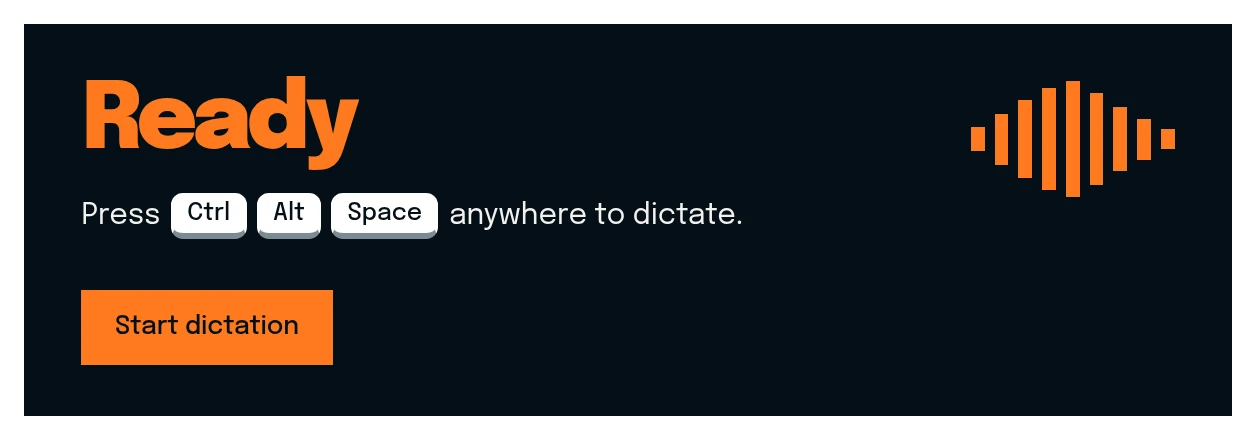
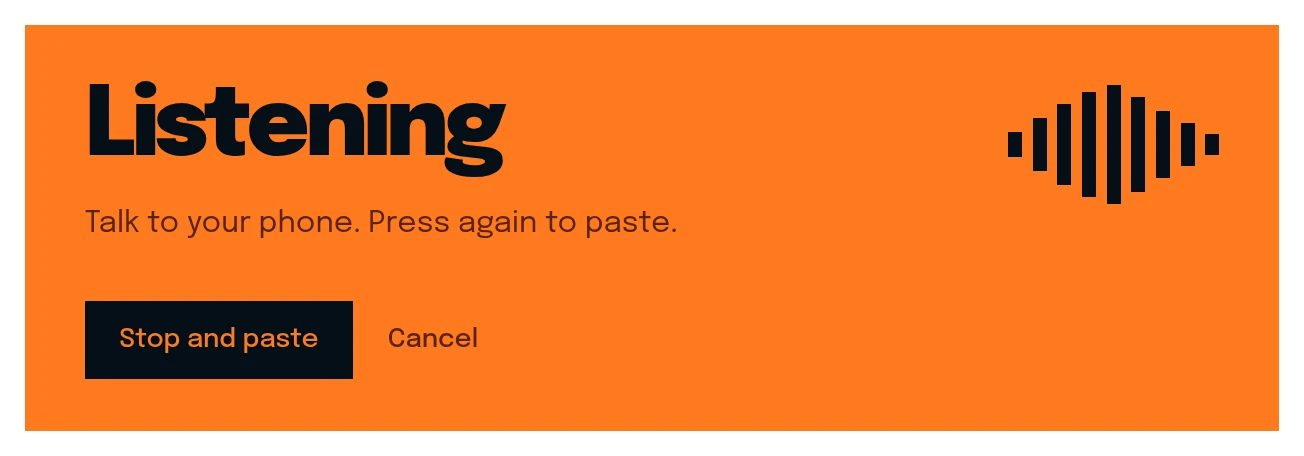
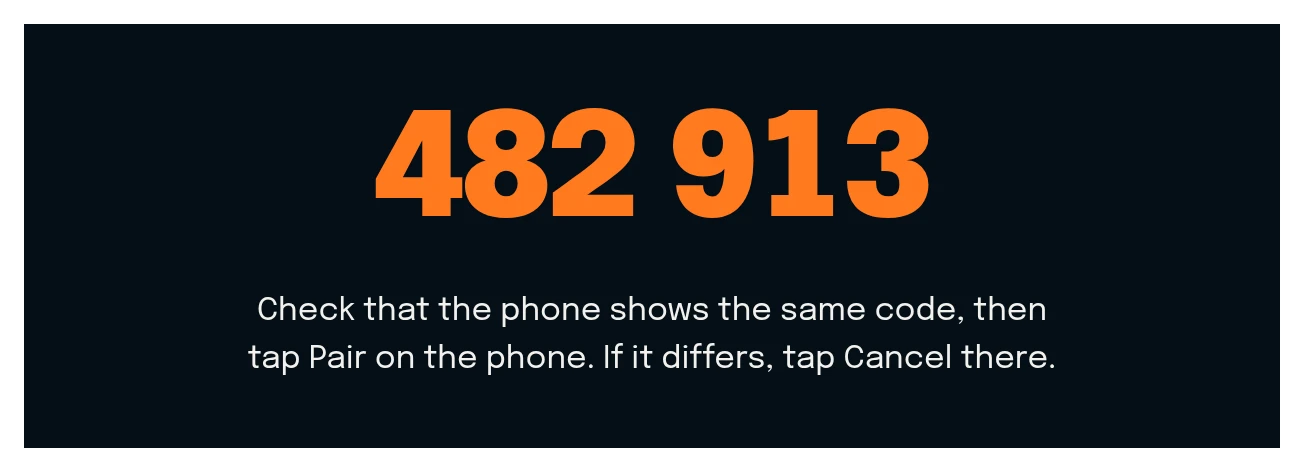
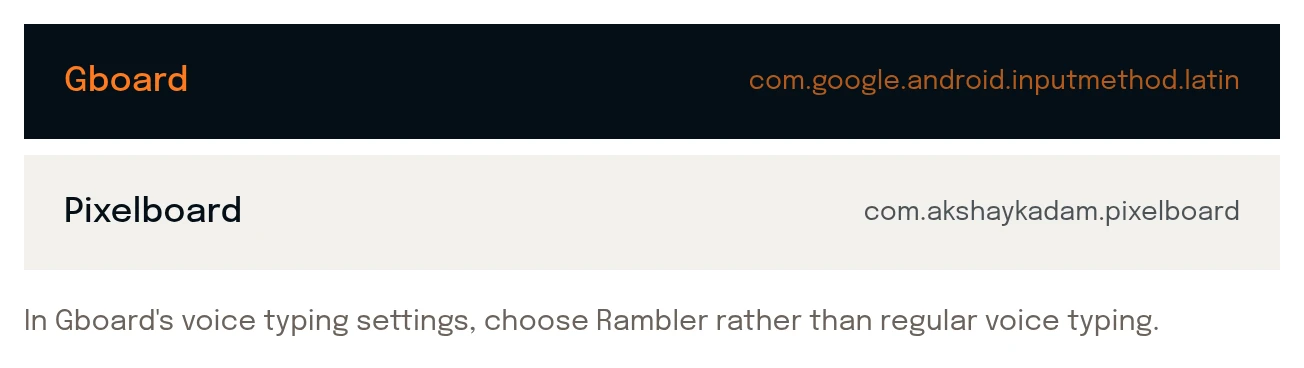
One window sets it up, then Hearsay waits in the tray. These are screenshots of it.


What you need
The phone
- Android 14 or newertested on Pixel 9
- Rambler in GboardGboard › Voice typing
- The same Wi-Fi as the computernot guest or hotel
The computer
- Windows 10 or 11x86-64 · WebView2
- Linuxx86-64 · GTK 4, WebKitGTK 6.0
- macOSbuilds from source, untested
Not yet
- A Play Store listinginstall the APK yourself
- Signed computer buildsWindows says unknown publisher
- A global hotkey on Waylanda desktop shortcut instead
- More than one phonea new pairing replaces the old
- Dictating over the internetsame network only
Hearsay finds Gboard's mic key by its internal ID, so a Gboard update can stop dictation from starting until Hearsay catches up.
Questions
Is Hearsay made by Google?
No. Rambler is Google's voice typing in Gboard. Hearsay is an independent, open-source project that drives it from your computer, and isn't affiliated with Google.
Does Hearsay hear me?
No. Gboard does the listening, on the phone. Hearsay presses its mic key, waits for the finished text and sends it to your computer.
What goes over the network?
The start and stop signals and the finished text, over your own Wi-Fi, encrypted, between the phone and the computer you paired it with. Nothing goes through a server.
Can the phone stay locked?
Yes. Leave it on the desk, locked if you like. You talk to it; you don't need to touch it.
Why isn't it on the Play Store?
Not yet. You install the app from the release page, which means turning Play Protect off for the install and allowing a restricted setting for the key presser. The setup window walks you through both.
Dictation stopped starting. Now what?
Gboard probably moved its mic key. Run hearsay diagnose and attach the file to an issue. It holds Gboard's key names and positions, never anything you said.
Leave the phone
on the desk.
Free and open source under MIT. Version 0.3.0 for Windows and Linux; macOS builds from source.
Download latest